Current build
Latest Subnautica 2 patch notes at a glance
Patch names can be confusing because a feature update and several smaller hotfixes may share the same underlying Early Access branch. Use the release date and official announcement, not a social post or mod page, to decide which changes are live. The table below reflects announcements available through the official Steam news feed checked on July 30, 2026.
| Release | Date | Status | Main focus |
|---|---|---|---|
| Early Access Hotfix 4 | July 14, 2026 | Latest verified patch | Progression blocker, base currents, Xbox FOV setting, crash fixes |
| Early Access 1.1 — Adaptive Measures | July 8, 2026 | Latest feature update | Biomods, creature behavior, base building, UI, performance, and bug fixes |
| Early Access Hotfix 3 | June 1, 2026 | Superseded | DLSS 4.5, creature balance, base costs, and stability |
| Early Access Hotfix 2 | May 22, 2026 | Superseded | Resource distribution, Hammerhead behavior, multiplayer and crash fixes |
This page records changes that have already shipped. For planned 1.2 features, future expansions, or timing signals, use the separate update timeline. Keeping those intents separate prevents an announced feature from being mistaken for a live mechanic.
Newest fixes
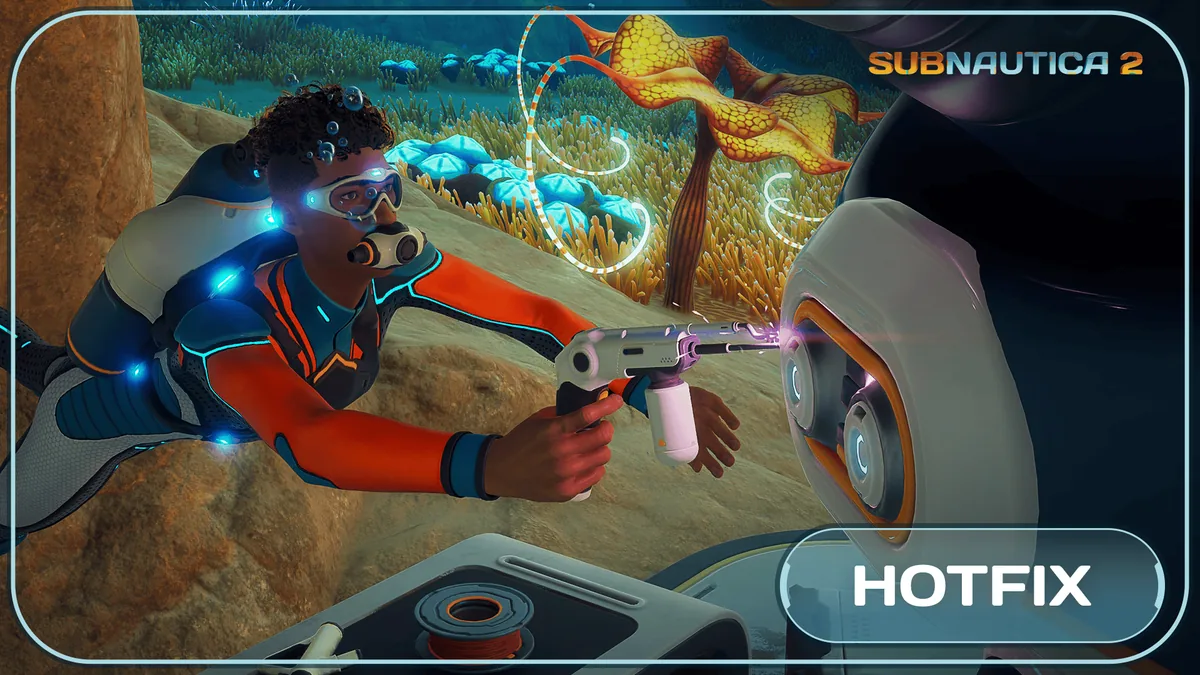
Subnautica 2 Hotfix 4 patch notes: what changed
Hotfix 4 is small, but its fixes target problems that can stop a run or make a base difficult to use. Players who were waiting on an Angel Comb, experienced strong current effects indoors, or could not find the FOV option on Xbox should retest those exact situations after the update finishes installing.
Angel Combs progression fix
Some Angel Combs failed to open, which could block progression. The hotfix addresses that state. If an existing save remains stuck, leave the area, save safely, reload, and revisit the objective before starting a new world.
Water currents inside bases
Currents could appear inside player bases, disrupt movement, trap players, or prevent building and expansion. The fix matters most to large or recently modified bases. Check affected rooms before dismantling structures that were previously valid.
Xbox FOV slider
The field-of-view slider introduced with 1.1 was not visible for some Xbox players. Hotfix 4 restores the setting, although the official notice warned that Xbox rollout could follow platform certification timing.
Two crash fixes
The patch targets an Xbox crash when joining a session invite and a lower-frequency crash connected to creature spawning. These fixes improve stability, but they do not guarantee compatibility with outdated community mods.
Major update
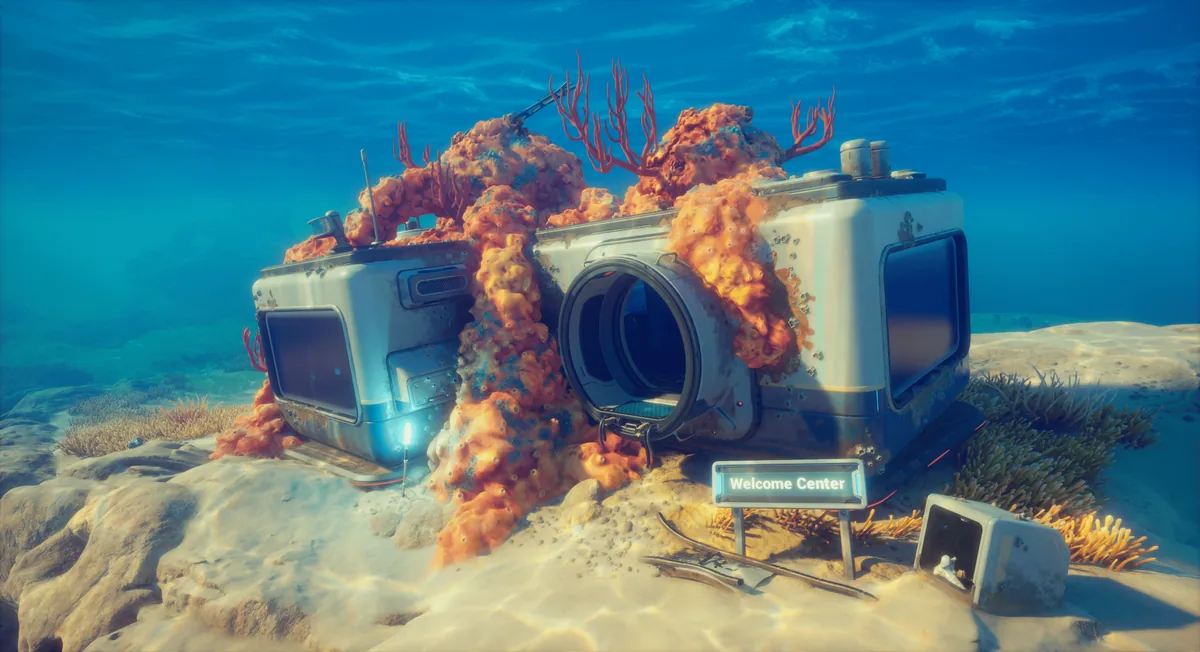
Early Access 1.1 Adaptive Measures: the changes that matter most
Adaptive Measures is much broader than Hotfix 4. It adjusts early-game progression, opens more Biomod choices, changes how creatures react to tools, improves building feedback, and fixes a long list of performance and save issues. The official list is extensive, so the sections below focus on changes that alter routes, builds, or decisions rather than repeating every minor visual correction.
Biomods and Biolabs
Two additional Biolabs were added in Coral Gardens and Axum Ruins. Players can unlock six Biomods instead of four, gain passive Biomod slots by scanning creatures with the Bioscanner, and see scan requirements more clearly. Existing saves should preserve prior unlocks through the updated save logic.
Movement and creature response
Players can sprint on land and inside bases. Many creatures now flee after Survival Multitool attacks and enter a brief dizzy state after Sonic Resonator hits. These are defensive windows, not proof that every creature is harmless, so carry normal survival supplies.
Base-building improvements
The update increases the maximum deconstruction size, improves Vehicle Dock and Fabricator placement, reduces the dock footprint, improves placement-ghost visibility, and adds clearer Moonpool messages. A storage buildable that does not feed nearby crafting systems also helps reserve materials.
Interface, audio, and accessibility
A field-of-view slider was added, databank entries were reorganized, and audiologs no longer auto-play for every nearby multiplayer participant. They now enter the PDA for individual replay, reducing overlapping dialogue and co-op confusion.
Performance and bug fixes
The patch addresses crashes, laptop frame-rate limits, long-session degradation in Metal Farms, collision checks, creature behavior, Tadpole state problems, dialogue overlap, save interactions, and multiple visual issues. If a specific problem continues, report the build and reproduction steps to official support.
What remains future-facing
The 1.1 notes mention planned proximity-chat processing and future UI work, but those mentions are not confirmation that the features are active in the current build. Treat them as roadmap context until a later official release note says they shipped.
Version history
Subnautica 2 update and hotfix history
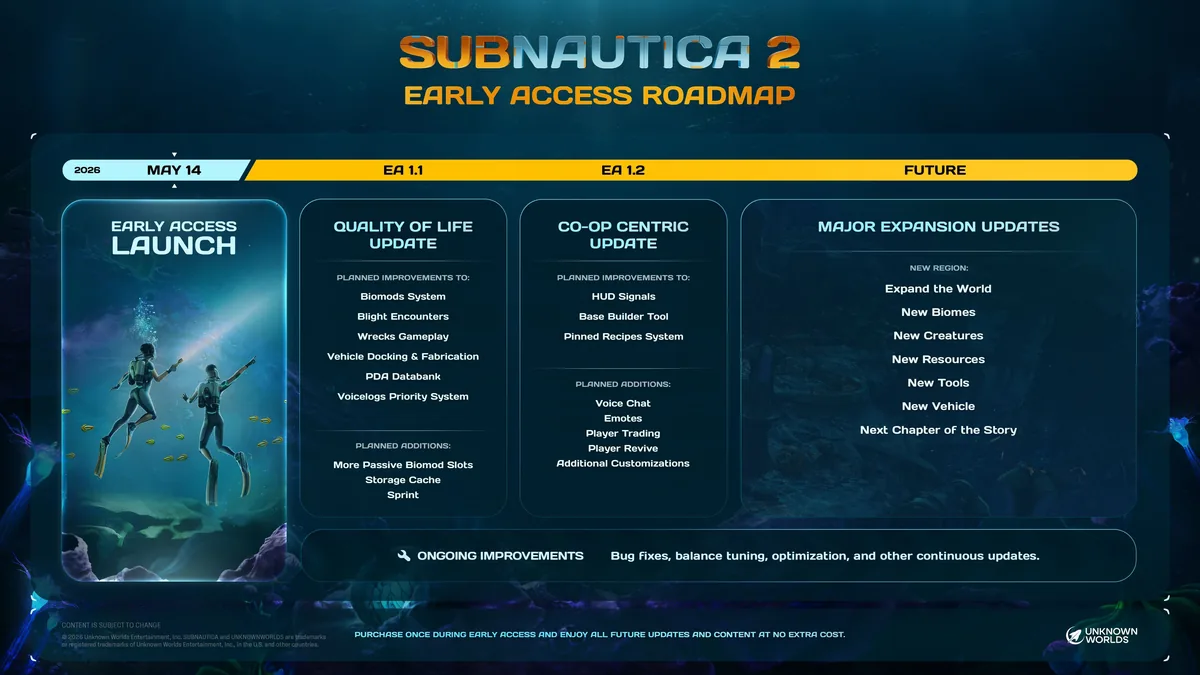
Use this history to identify the first release that changed a mechanic. A newer hotfix includes the earlier branch changes, so you normally do not install each entry separately. Steam updates automatically; Xbox timing may depend on certification and regional rollout.
| Version | Release date | Notable changes | What players should do |
|---|---|---|---|
| Hotfix 4 | July 14, 2026 | Angel Combs, indoor currents, Xbox FOV, invitation and creature-spawn crashes | Retest blocked objectives and affected bases; disable stale mods |
| 1.1 Adaptive Measures | July 8, 2026 | Biomods, two Biolabs, sprinting, creature reactions, building UX, FOV, performance and save fixes | Review Biomod routes, control settings, and base placement |
| Hotfix 3 | June 1, 2026 | DLSS 4.5, base cost adjustment, Hammerhead and Marrowbreach tuning, crash fixes | Recheck graphics settings and aggressive-creature assumptions |
| Hotfix 2 | May 22, 2026 | More Silver and Troilite areas, Hammerhead changes, Tadpole and multiplayer fixes | Revisit resource routes and vehicle-related problem areas |
Verification routine
How to check that the latest Subnautica 2 update is installed
A patch announcement does not prove that your local game has finished updating. Use a short verification routine before diagnosing a save, graphics option, multiplayer issue, or missing feature.
- Read the official date and scopeOpen the official Steam announcement and confirm whether it describes a released update, an upcoming feature, or a platform rollout note. This page links to the verified sources below.
- Restart the storefront and gameThe 1.1 announcement specifically recommends restarting Steam when the automatic download does not appear. Finish any queued download before loading an important save.
- Disable community mods temporarilyUnknown Worlds warns that mods may not be compatible immediately after a hotfix. Remove or disable them before deciding that the official build is broken.
- Back up important savesEarly Access patches can change progression, world state, or placed objects. Keep a backup before testing a heavily developed world, especially when a problem already affects progression.
- Test one documented changeCheck a concrete marker such as the FOV setting, an affected base current, or an Angel Comb objective. A precise marker is more useful than relying on launcher artwork or a remembered version label.
- Report reproducible problemsIf the issue remains without mods, record platform, build timing, save type, location, and exact reproduction steps, then use the in-game feedback tool or official support site.
Common problems
What to do when a Subnautica 2 patch causes problems
Start with reversible checks. Do not delete a save, rebuild a base, or reinstall the entire game until you have ruled out an incomplete download, incompatible mod, platform delay, or setting reset.
The update is not downloading
Restart Steam or the console, confirm online status and free storage, and check the download queue. Platform certification can delay an Xbox hotfix compared with the PC announcement.
The game crashes after updating
Disable mods first, verify game files through the storefront, update graphics drivers where appropriate, and test a clean launch. Keep the affected save backed up before further changes.
A fixed issue still happens
Confirm that you are testing the same condition named in the notes. Old world state may require leaving and re-entering an area or reloading a save. Submit a report when the problem is repeatable on the current unmodded build.
A promised feature is missing
Roadmap, vlog, and privacy-policy references may discuss future work. A feature is current only when an official release announcement says it shipped and your platform has received that build.
Questions
Subnautica 2 patch notes FAQ
What is the latest Subnautica 2 patch?
The latest patch verified on July 30, 2026 is Early Access Hotfix 4, released July 14, 2026. The newest named feature update is Early Access 1.1 Adaptive Measures from July 8.
What did Subnautica 2 Hotfix 4 fix?
It fixes Angel Combs that could block progression, water currents appearing inside bases, the missing Xbox FOV slider, an Xbox session-invite crash, and a creature-spawn crash.
Is Subnautica 2 update 1.2 available?
The verified announcements checked for this page do not list 1.2 as released by July 30, 2026. Official material discusses future 1.2 work, but planned content should not be treated as live patch notes.
Do Subnautica 2 updates install automatically?
The official 1.1 announcement describes it as a free automatic download. If it does not appear, restart Steam and check the download queue. Console rollout may follow certification timing.
Can mods break after a Subnautica 2 hotfix?
Yes. Unknown Worlds advises temporarily disabling or removing community mods after an update until their creators confirm compatibility.
Should I start a new save after every patch?
Usually no. Back up important saves and test the documented fix first. Start over only when official support or a confirmed save-specific problem makes that necessary.