Before you dive
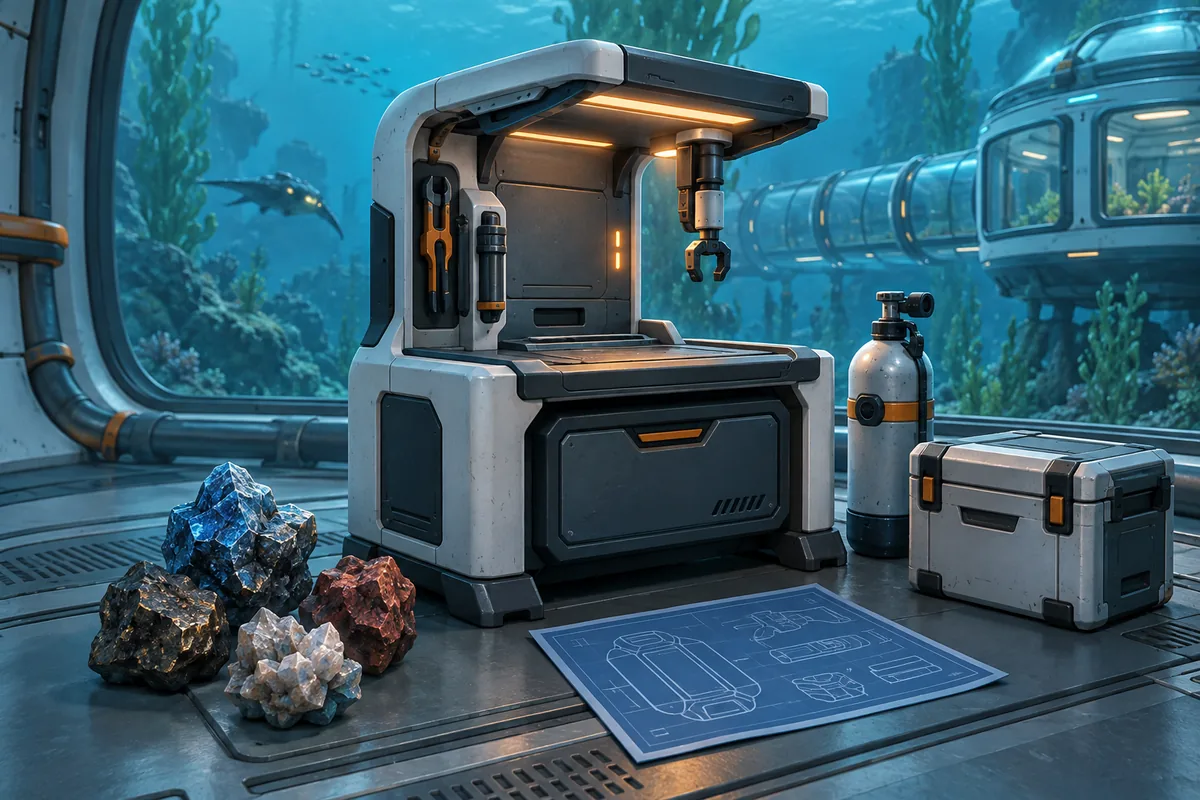
What to carry for a titanium run
Titanium is common, but an unplanned cave return can cost the haul. Choose the recipe, mark the entrance, and keep oxygen for the exit.
Scanner
Use the handheld Scanner to separate titanium, Metal Salvage, and nearby minerals. Scan the entrance, then follow one wall.
Oxygen margin
Estimate the return before entering and turn around while the exit is clear. Do not sort inventory during the oxygen warning.
Beacon and signals
Place a Beacon at a confusing entrance. Story signals help with direction but are not permanent coordinates.
Open inventory slots
Leave room for titanium and salvage; a second short run is safer than dropping items in a cave.
Where to look
The most useful titanium search areas
Look near the Lifepod, in shallow cave networks, and later at large deposits. Combine direction, depth, and landmarks because Early Access can change entrances.
| Area | Route idea | What to inspect | Main risk |
|---|---|---|---|
| Seafloor around the Lifepod | Stay close to the starting point | Small dark gray chunks on open ground | Losing your return heading |
| Shallow cave network | Follow cracks and low rock openings | Continuous nodes on walls, floors, and shelves | Spending oxygen in every branch |
| Story-signal cave | Use the Black Box or Angel Comb signal as a heading | Wreckage, glowing structures, and a small opening | Hiding the signal and losing the route |
| Large deposits later on | Return only after crafting a Sonic Resonator | Large metal chunks that do not respond to hand harvesting | Waiting in a dangerous cave without the tool |
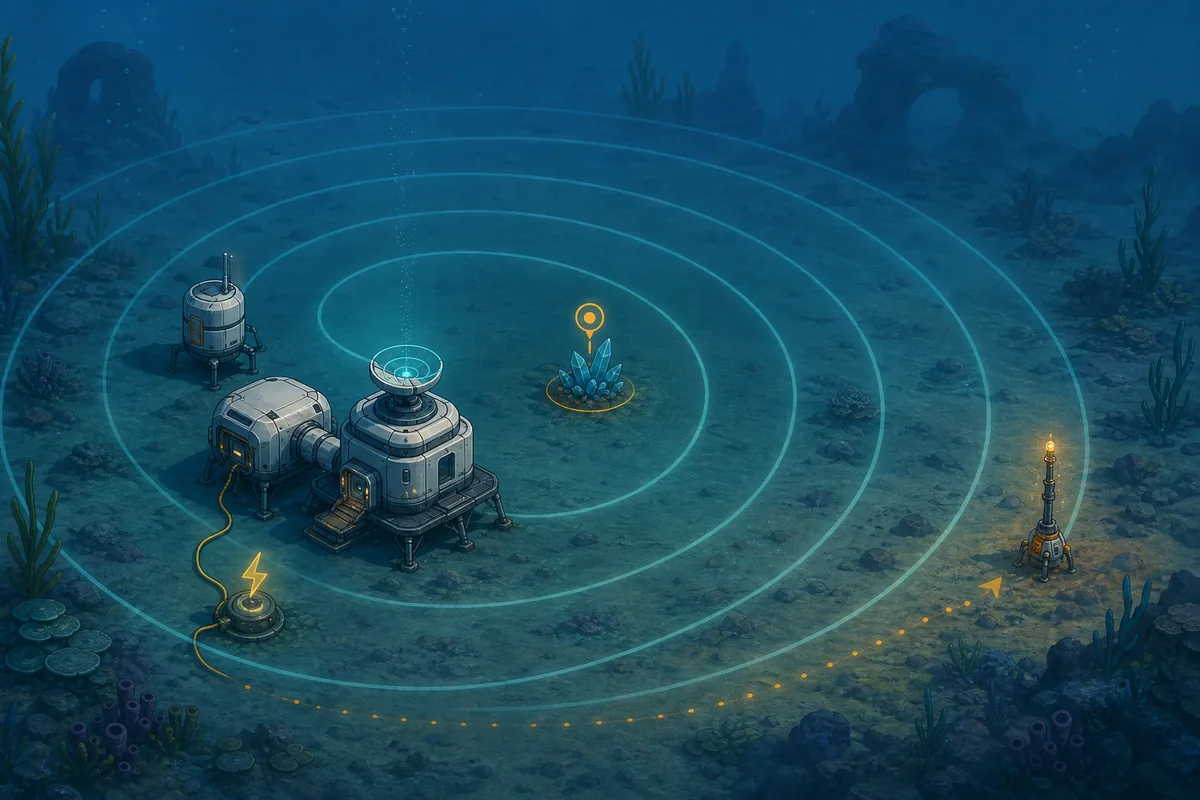
| Scanner Station range | Place a base near the resource area | The Station's approximate direction and distance | Treating a reading as an exact coordinate |
Farming route
Separate the safe early loop from the late farm
Early game needs a short repeatable loop. With the Sonic Resonator and Scanner Station, keep oxygen discipline while moving to large deposits.
- 1. Set the Lifepod as your anchorNote the Lifepod's facing and one nearby rock. A compass and silhouette beat a distance number.
- 2. Sweep the nearby floor firstFor one or two pieces, search dark seafloor chunks before collecting unrelated minerals.
- 3. Circle one shallow caveFollow one cave wall, check the entrance, floor, and ledges, then return before taking a branch.
- 4. Use a story signal as a headingIGN places a cave about 90 meters east near Angel Comb and the Anita - Black Box signal. Use wreckage and signal as landmarks, not a fixed distance.
- 5. Leave large deposits for laterMark an unresponsive large chunk, craft the Sonic Resonator, then return with oxygen.
- 6. Fix the return lineUse the Beacon, base direction, and last visible rock. Leave before the inventory fills.
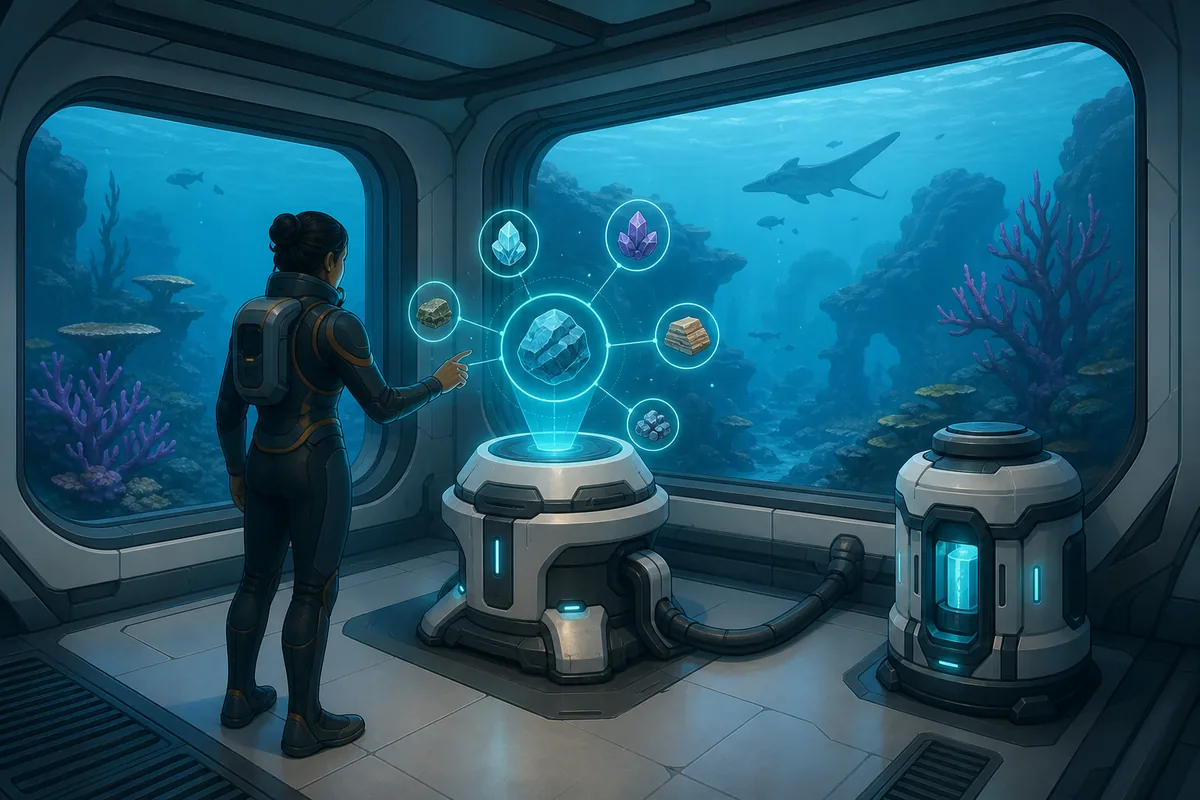
IGN, GameRant, and Game8 report different distances and biomes. In Early Access, keep the route whose direction, depth, and terrain match your build.
Deposit types
Tell small, medium, and large deposits apart
Guides distinguish hand-picked pieces, medium deposits, and large deposits for a Sonic Resonator. Yields can change, so use the type to choose the action.
Small dark chunk
Small pieces lie on the seafloor or cave floor and can be picked up immediately.
Medium outcrop
Medium outcrops yield several pieces; circle the shelf once to find nodes on the back.
Large metal deposit
If a large chunk ignores hand harvesting, mark it and return with the Sonic Resonator.
Metal Salvage
Wrecks and outposts may provide Metal Salvage that becomes titanium at a Fabricator. Check nearby.
Safe harvesting
Collect only what you can bring home
Titanium invites long hauls. Separate the pickup, inventory, and return decisions.
- 1. Check the next recipeCheck the next Fabricator or Habitat Builder recipe and keep a reserve for changes.
- 2. Check supplies at the entranceConfirm oxygen, light, Scanner, and free slots at the entrance. Turn back before the first pickup if needed.
- 3. Keep one search directionFollow one wall or another simple rule; the return view changes.
- 4. Use the Sonic Resonator brieflyUse the Sonic Resonator only with secure footing and an exit. Collect the drop and retreat.
- 5. Leave before the inventory fillsReturn with one or two slots open. A second safe run beats the last risky piece.
Uses
Spend titanium in a sensible order
Spend titanium on the item blocking current progress. Tools, oxygen, storage, beacons, and base parts compete with the next upgrade.
Scanner and light
Scanner and light improve the first cave loop and resource identification.
Oxygen tank and Air Bladder
Extra oxygen and mobility make a risky cave repeatable; build them before decoration.
Habitat Builder and storage
A small base, storage, and beacons shorten future runs.
Processor and Titanium Ingot
When an Ingot blocks progress, confirm the Processor blueprint and current recipe.
Troubleshooting
Why titanium is hard to find or bring home
Visibility, distance, tools, and resource state can hide a basic resource. Check these causes before repeating the route.
You searched only flat sand
After a floor sweep, inspect a cave wall, crack, or ledge at another height.
The signal is hidden
Reactivate Anita - Black Box before checking the route; a signal gives direction, not a permanent coordinate.
A large deposit will not break
A large chunk may require the Sonic Resonator. Mark it and leave instead of wasting oxygen.
The Scanner Station looks wrong
The Station narrows an area but does not map every wall. Confirm the final node with the handheld Scanner.
Another guide gives a different spot
Compare date, patch, biome, and landmark; use the route matching your current terrain.
FAQ
Subnautica 2 titanium location FAQ
Where is titanium in Subnautica 2?
Start on the seafloor and in shallow caves near the Lifepod. Check dark chunks, walls, cracks, and shelves; later use the Sonic Resonator and Scanner Station.
What is the best way to farm titanium?
Run a short shallow-cave loop with oxygen and inventory space for the return. Later combine large deposits with a marked path.
Can I break large titanium deposits by hand?
Large deposits are described as Sonic Resonator targets. If a chunk does not react, mark it and check the current tool requirement.
Where do I craft Titanium Ingots?
Use the Processor when its blueprint is available and follow the recipe in your current build.
Can a Scanner Station find titanium?
A Scanner Station gives approximate direction and distance near a base. Confirm the final node with the handheld Scanner.
Why do titanium guides list different distances?
Early Access can change biomes, creatures, craftables, and distances. Compare the guide date and build, then use landmarks.