Role and limits
What the Tadpole does in Subnautica 2
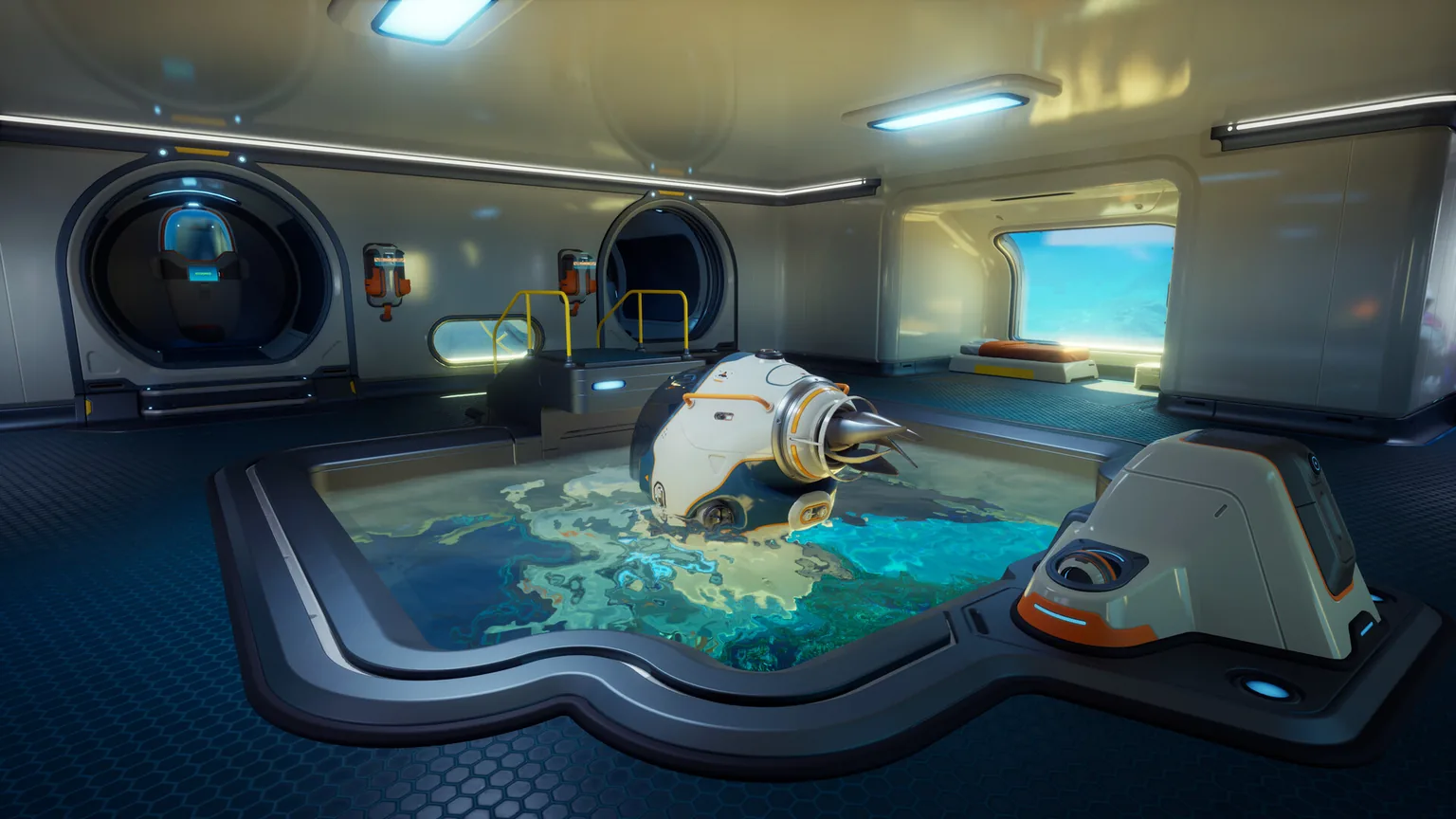
The Tadpole is a small submersible for faster scouting, carrying supplies and reducing the risk of long open-water swims. It is most useful when you run repeatable loops between a base, resource cave, wreck and deeper staging point. It does not replace route planning: poor power management, unchecked hull damage or an over-depth descent can still strand you far from oxygen and shelter.
Fast scouting
Use the Tadpole to inspect several cave mouths or wreck approaches in one trip, then leave the vehicle at a safe depth and continue on foot only where necessary.
Mobile supply cache
Reserve storage for batteries, food, water, beacons, a Repair Tool and the materials needed for the specific objective. A planned loadout is more useful than a full locker of low-priority ore.
Co-op support
In multiplayer, one player can pilot and stage supplies while others scan, collect or mark routes. Agree on beacon names and a return point before separating.
Subnautica 2 launched in Early Access on May 14, 2026. Vehicle balance, module recipes, locations and limits can change, so verify unusual behavior against the current in-game tooltip and official patch notes.
Get it operational
How to unlock, enter and repair the Tadpole
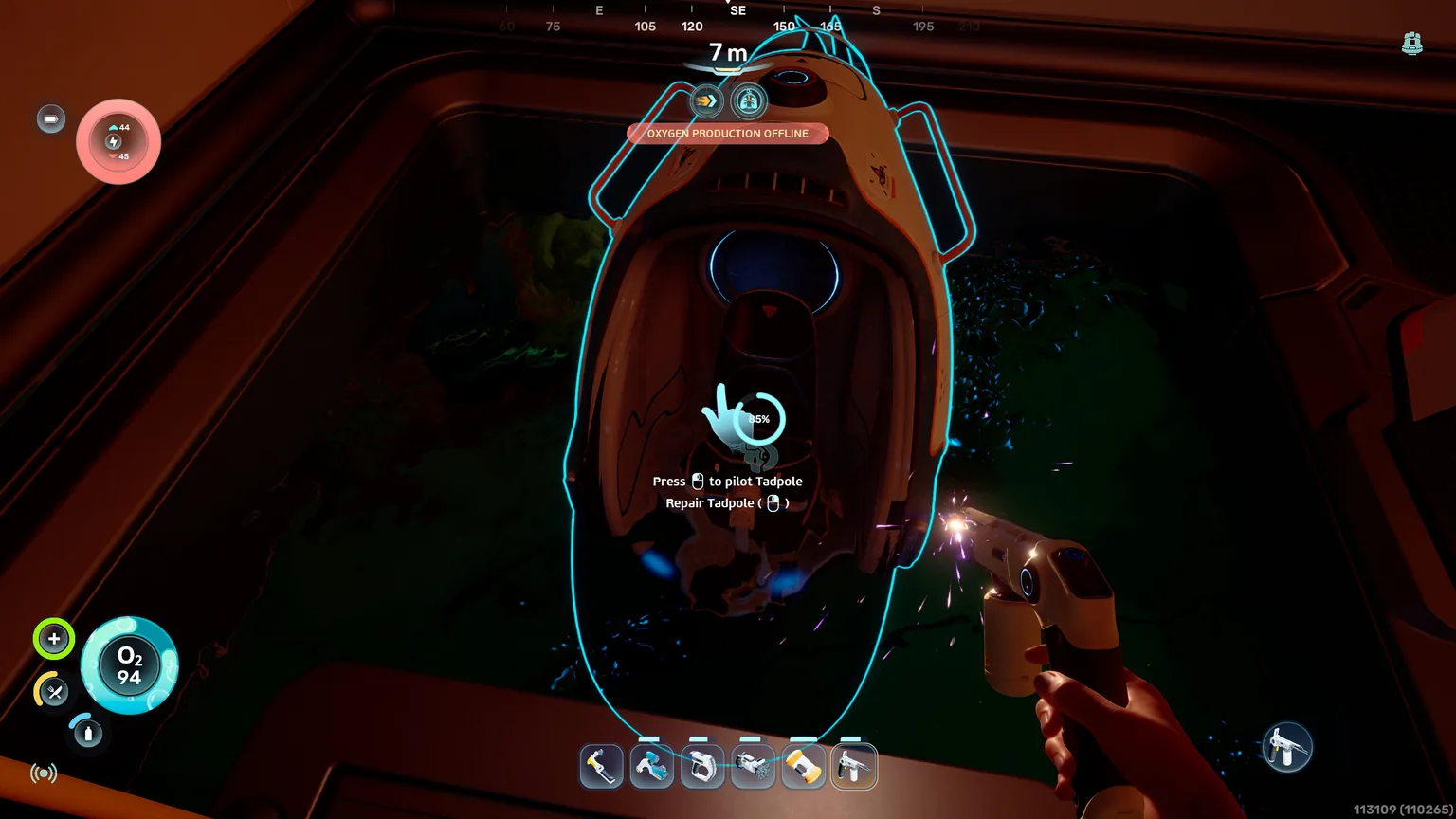
The practical early-game route is to secure the Repair Tool first, approach the damaged Tadpole with enough oxygen and power, and restore the hull until the interaction prompt confirms it is usable. If your save or patch presents a different order, trust the in-game objective and blueprint state rather than an old coordinate-only guide.
- 1. Unlock the Repair ToolComplete the required fragment scans and craft the current Repair Tool recipe at a functional Fabricator. Bring a charged tool before visiting the Tadpole.
- 2. Clear the approachCheck nearby creatures, oxygen distance and an escape line. Do not begin a long repair interaction while a hostile creature is circling or while your return route is unclear.
- 3. Repair the damaged hullAim at the highlighted repairable section and hold the repair input while watching integrity rise. Reposition around the hull if the prompt disappears.
- 4. Confirm systems before departureEnter the vehicle, check power, health, storage and depth information, then make a short test loop near the base before committing to a resource run.
Daily operation
Driving, power, parking and storage habits
Most Tadpole losses are not caused by a difficult control scheme. They come from leaving with low power, parking in a dangerous corridor, forgetting the vehicle marker or filling storage so completely that essential recovery supplies are missing.
| Topic | Best practice | Why it matters |
|---|---|---|
| Power | Begin important trips with a healthy reserve and carry the replacement or charging option available in your current progression. | A powered vehicle is an oxygen refuge and fast escape; an empty vehicle is only a distant marker. |
| Parking | Stop above the cave or wreck entrance, away from aggressive patrols and outside crush depth. | A visible staging point shortens the return swim and reduces the chance of collision or environmental damage. |
| Storage | Keep one recovery slot group for tools, water, food, power and beacons before adding gathered materials. | The return trip becomes safer when emergency items cannot be displaced by ordinary loot. |
| Navigation | Name nearby beacons by route and depth, and note the direction back to base before descending. | A vehicle marker does not explain which tunnel is safe or which shelf leads home. |
Progression priorities
Subnautica 2 Tadpole upgrades and depth modules
The best Tadpole upgrade depends on the route, but depth capability normally has the highest strategic value. A deeper safe operating limit unlocks staging positions that shorten risky swims. Utility and storage upgrades become more important after the vehicle can survive the zones you actually need to visit.
| Upgrade type | What it changes | Priority |
|---|---|---|
| Depth module | Raises the safe operating depth for deeper caves and biome transitions. Verify the exact installed limit in the vehicle interface. | Highest when your next objective is below the current limit |
| Storage capacity | Supports longer gathering loops and lets a co-op group carry route supplies without sacrificing all collected materials. | High for mining and multi-objective trips |
| Efficiency or power support | Extends practical range and reduces the chance that repeated detours consume the reserve needed to return. | High for long scouting routes |
| Defensive or utility module | Improves survival or convenience in routes with repeated hazards. Match the module to a real problem instead of filling a slot automatically. | Situational |
Read the live depth display after installing or changing a module. Early Access patches may rebalance module tiers, recipes or limits, and an outdated guide value is not worth risking the vehicle.
Route planning
How to explore safely with the Tadpole
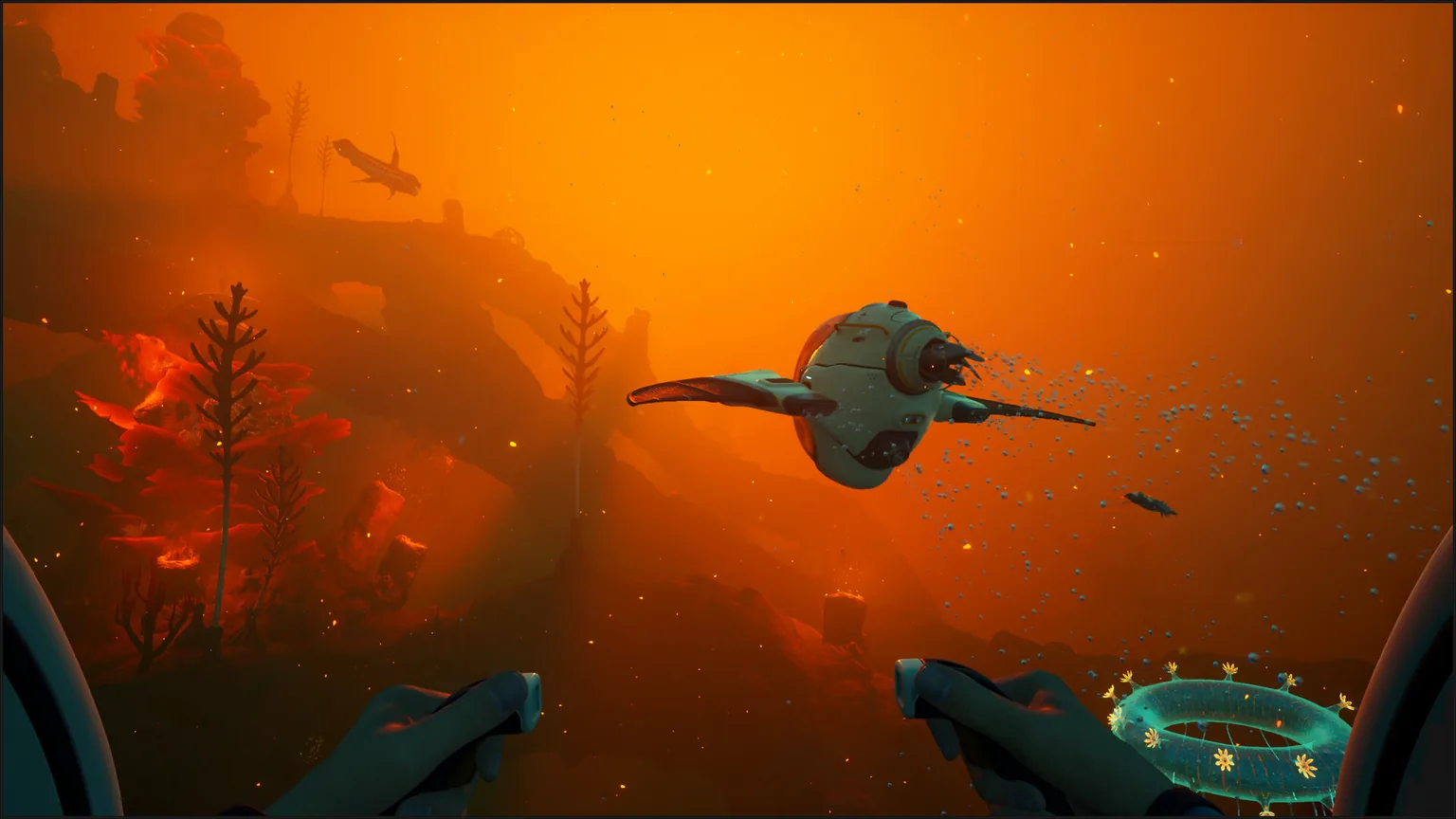
A good Tadpole route has a purpose, a turn-back condition and a known parking point. The vehicle saves time only when it remains recoverable. Treat shelf edges, narrow caves and creature territory as decisions rather than scenery, especially when carrying rare materials.
Resource loop
Start with a short base-to-cave route, place a beacon at the entrance and return before storage is completely full. Repeatability is more valuable than squeezing one extra chamber into a risky first run.
Wreck and blueprint loop
Park outside tight geometry, carry the Scanner and Repair Tool, and leave room in storage for crafted components or emergency supplies. If the wreck route changes after a patch, use landmarks and compass direction together.
Deep staging route
Approach the depth boundary slowly, identify a safe shelf and leave the Tadpole where the display remains comfortably within limit. Continue with adequate oxygen and a clearly marked return path.
Co-op expedition
Assign a pilot or vehicle custodian, share beacon names and decide who carries repair and power supplies. Do not let every player assume someone else checked the vehicle reserve.
Fix common problems
Why the Tadpole is not working as expected
When the Tadpole cannot be entered, repaired or upgraded, check progression state and live interface information before assuming the save is broken. Early Access changes and incomplete prerequisite scans are more common than permanent failure.
| Problem | Likely cause | Fix |
|---|---|---|
| Repair prompt will not appear | Wrong aim point, no repair charge, unsafe angle or the target is already fully repaired | Move around the hull, equip a charged Repair Tool and watch for the integrity highlight |
| Cannot install an upgrade | Wrong module, missing upgrade interface access or incomplete recipe progression | Verify the module name, blueprint state and the vehicle slot shown by the current build |
| Vehicle takes depth damage | The current depth exceeds the installed safe limit | Ascend immediately, repair in a safe area and install the required depth module before returning |
| Tadpole seems lost | It was parked outside visual range or the marker is hidden among other signals | Filter markers, return to the last beacon and retrace the staged route rather than searching randomly |
FAQ
Subnautica 2 Tadpole FAQ
How do I repair the Tadpole in Subnautica 2?
Equip a charged Repair Tool, aim at the damaged highlighted section and hold the repair input until integrity rises. If the prompt disappears, reposition around the hull and confirm the tool still has power.
How do I upgrade the Tadpole?
Unlock or craft the appropriate module, access the vehicle upgrade slot supported by your current build and confirm the installed effect in the Tadpole interface. Prioritize depth when the next route exceeds the present limit.
Does the Tadpole have storage?
Yes, the Tadpole supports carrying supplies and gathered resources. Keep emergency tools, water, food, power and beacons reserved before filling the remaining capacity with materials.
Which Tadpole depth module should I use?
Use the module tier that keeps the complete route inside the live safe-depth display. Do not rely on an old fixed number because Early Access balance and module limits can change.
Can the Tadpole be used in co-op?
It is useful as a shared staging and supply vehicle. Coordinate the pilot, parking point, beacon names, repair kit and return condition so the group does not split from its oxygen and power reserve.