Subnautica 2 Base Building Blueprints: List, Room Plans & Unlock Priorities
Use this Subnautica 2 base building blueprints guide to separate verified build categories from future content, plan room priorities, and track materials without turning an Early Access rumor into a final recipe list.
- Primary intentBlueprint list and planning
- Safe scopeVerified categories, not rumors
- Watch itemEarly Access recipe changes

Quick Answer
Treat blueprint lists as a current-build tracker, not a final promise
The safest way to use Subnautica 2 base building blueprints is to group them by the job they solve: survival return, power, storage, crafting, route staging, and co-op organization. The official Early Access material describes a growing set of craftables, so this guide separates what a source or live tooltip verifies from names that still need a build check.
If a page claims a fixed final blueprint count without a current source, treat it as a lead to verify rather than a complete list. A short tracker with a source date is more useful than an impressive but stale catalog.
Blueprint Categories
What should a Subnautica 2 blueprint list actually track?
A useful catalog records the purpose, evidence, and next material check instead of copying every unverified name from a community post.
Habitat and survival
Track the pieces that make a return point useful: a readable entrance, oxygen recovery, safe access, and enough room to leave without creating a maze.
Power and charging
Record the current power solution and the tools or stations that depend on it. Power balance can change, so keep the source date beside the entry.
Storage and crafting
Separate common materials, rare materials, and active crafting inputs. The blueprint is only useful when the room plan also explains where the materials go.
Staging and expansion
Mark scanner, vehicle, deeper-route, and co-op support as expansion categories. Do not call a future feature available until the current build shows it.
Material Tracker
Turn room blueprints into a short material checklist
A room blueprint is easier to use when it is attached to a route and a job. Before gathering, write the room purpose, the materials already stored, the missing materials, and the point where you will stop collecting. This prevents a blueprint hunt from becoming an unplanned deep dive.
Name the job first
Use a short label such as storage wall, power corner, crafting loop, or expedition staging. A job label remains useful even when the exact recipe changes.
Split ready and missing
Keep a ready column and a missing column. Do not make a second expedition for a material that is already in a co-op chest under a different name.
Add a return condition
Stop the run when oxygen, tool power, or creature risk reaches your limit. A blueprint is not worth losing a save or a rare haul.
Date sensitive entries
Write the build or patch date beside uncertain recipes, costs, and unlock rules. Remove the date only after a newer source confirms the same behavior.
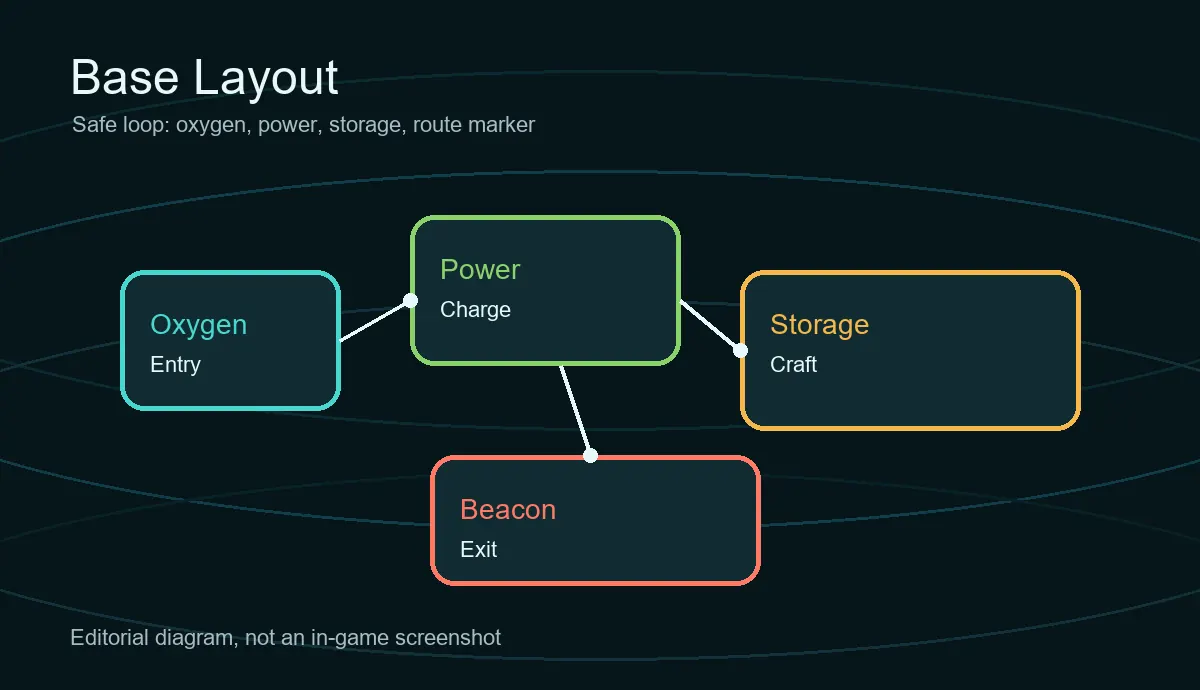
Unlock Priorities
Blueprint priority table for a first practical base
Use the order as a planning framework. Early Access can change exact recipes, unlocks, and balance, so the wording stays job-focused.
| Stage | Goal | Checks before building | Safe wording |
|---|---|---|---|
| 1. Return | A compact, readable survival point | Entrance, oxygen loop, safe approach, visible landmark | Verified purpose; confirm the live recipe |
| 2. Stabilize | Power, charging, storage, and crafting flow | Power source, tool charge, common and rare material labels | Current build priority, not a final unlock order |
| 3. Expand | Rooms that support the next biome or route | Depth, resource route, scanner or vehicle need, spare footprint | Plan the category; verify the room blueprint |
| 4. Co-op | A base that four players can read | Shared labels, storage rule, builder role, emergency exit | Team convention, not an official recipe |
Verification
How to tell a real blueprint entry from a rumor
The source hierarchy matters more than how confidently a list is written.
| Signal | What it proves | Safe wording |
|---|---|---|
| Live blueprint, tooltip, or recipe | The current tested build exposes the entry or its cost | Currently visible in the checked build |
| Official store or developer update | The feature or craftable is announced or shown by a first-party source | Officially announced or shown |
| Community list or old screenshot | A lead that may identify a name, location, or past state | Community report; verify before treating as current |
| Search snippet without source | Only that people are searching for the phrase | Keyword signal, not gameplay evidence |
Co-op Planning
Keep blueprint names consistent in a co-op base
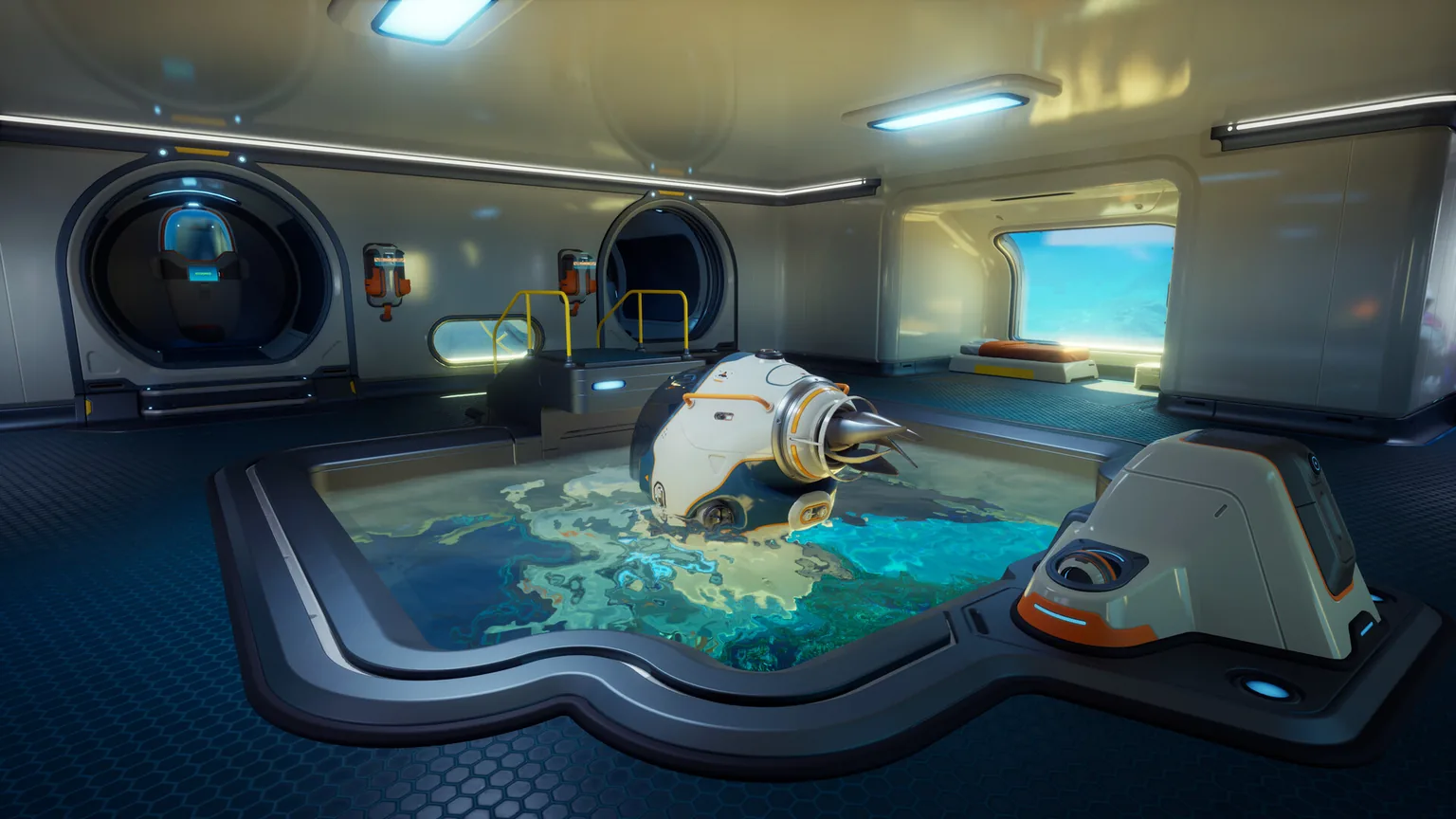
In a shared world, the blueprint list is also a communication system. Agree on one name for each room job, one place for rare materials, and one person who checks whether a planned module still fits the base loop. This keeps four players from collecting the same missing item or building four versions of the same room.
Early Access Limits
Why this page does not promise a final all-blueprints list
A responsible Subnautica 2 blueprint guide makes uncertainty visible instead of hiding it behind a long table.
Recipes can move
Early Access updates can change costs, balance, progression, and which feature is available in a particular build.
A preview is not a recipe
A trailer, store image, or roadmap can show direction without proving that a room or module is craftable right now.
Names can be incomplete
A community label may describe a room, a category, or a planned feature. Keep the wording narrow until a live source confirms it.
Re-check after patches
After an update, test one shallow base loop, one crafting action, and one material note before rewriting the whole blueprint tracker.
Continue the Plan
Related Subnautica 2 guides
Use the guide that matches the next decision instead of repeating the same base-building explanation on every page.
Subnautica 2 base building guide
Layout, power, storage, and location choices
Subnautica 2 map guide
Beacons, routes, and biome planning
Subnautica 2 co-op guide
Roles and shared-world planning
Subnautica 2 update timeline
What to re-check after an update
Sources
Official sources and evidence boundary
Official pages support the Early Access context and feature direction. They do not replace a current in-game recipe check.
Subnautica 2 on Steam
Official store description and current Early Access feature context.
Unknown Worlds Subnautica 2
First-party game page for the official product context.
Unknown Worlds Early Access Roadmap
First-party roadmap context; roadmap direction is not a fixed recipe catalog.
FAQ
Subnautica 2 base building blueprints FAQ
Is there a complete final Subnautica 2 blueprint list?
Do not treat an unofficial list as final while Early Access content is still changing. Use the current build, official updates, and a dated tracker to separate verified craftables from future or community-reported entries.
What should I unlock first for base building?
Start with the blueprint categories that make a safe return loop: access and oxygen, power, storage, and crafting. Expand to route, scanner, vehicle, and co-op support after the first loop is reliable.
What is a room blueprint in Subnautica 2?
Use room blueprint as a planning label for a buildable habitat space or room job. The exact name, recipe, and unlock behavior should be confirmed in the current build instead of inferred from a preview or an old screenshot.
Can I trust a blueprint cost from a community guide?
Use it as a lead, not proof. Check the source date, compare it with the current tooltip or recipe, and record any difference before planning a deep material run.
How often should I update a blueprint tracker?
Re-check it after a patch that mentions crafting, habitats, resources, progression, co-op, or new content. A short dated change note is safer than silently replacing every old entry.